Skip to content
F FlexiPDFPrivacy

Local-first review for iPhone & iPad

Review the page.
Keep it intact.

Import a PDF, photo or scan. Add feedback in the layout that fits the work, while the original file remains separate and unchanged.

No account On-device Standard stays free
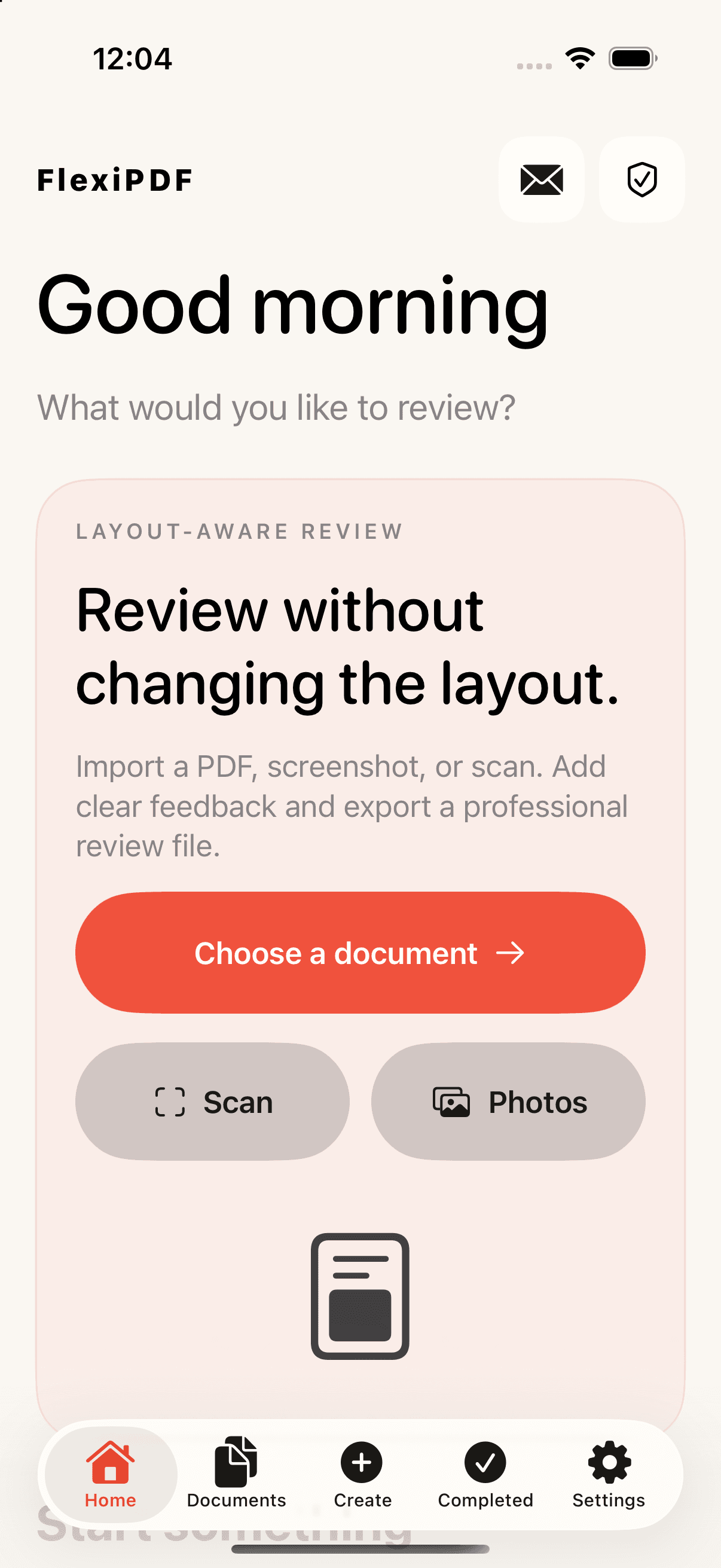
FlexiPDF home screen with document import, scan and photo options
Camera scan
Layout-aware review
Stays on device
One clear path

From source file to review file.

No upload to a Better Tools Studio server. No registration before you can begin.
  1. 01

    Choose, scan or photograph

    Start from Files, Photos or the camera. FlexiPDF creates a local review project beside the original source.

  2. 02

    Review in the right layout

    Mark up the page directly, add anchored comments beside it, or read a more flexible text flow.

  3. 03

    Export the review

    Save a professional review PDF locally. The source document stays available in its original form.

Layout-aware review

Feedback should adapt to the document—not distort it.

Switch layouts inside the review project. None of the three modes rewrites the source PDF.
01

Original

Stay on the page.

For markup, signatures and precise page-based review.
02

Expanded

Give comments room.

For anchored feedback beside the document without covering its content.
03

Reflow

Read without the squeeze.

For text-focused review when a fixed page is not the clearest reading surface.

Free means useful

Core PDF work is Standard—not a trial.

Premium pays for connected, versioned and high-volume workflows. It does not take basic review tools away from free users.
Standard$0

Local review essentials, included.

  • Import PDFs and images
  • Scan with the camera and recognize text
  • Annotate, highlight, write and sign
  • Original, Expanded and Reflow review layouts
  • Reorder, merge and split pages
  • Export PDF, PNG or JPEG locally
PremiumOptional

Connected and advanced workflows.

  • Email attachment sync
  • Version comparison and history
  • Cross-document review workflows
  • Batch document actions
  • Advanced document collections
  • Password changes and removal
How purchases work
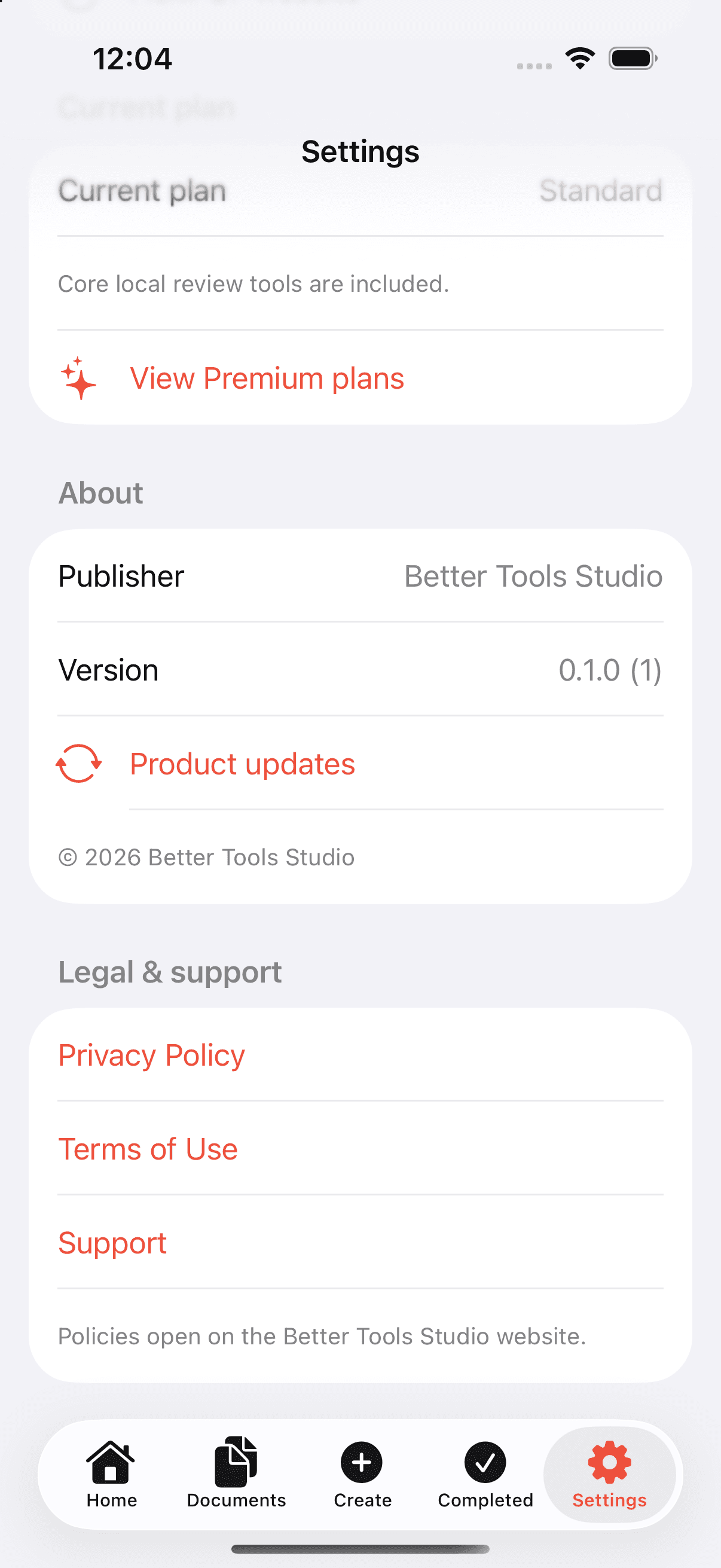
FlexiPDF settings screen showing Standard plan, publisher, version and policy links

Private by default

Your documents are not our business model.

Local processingPDFs, photos, scans and annotations stay on your device unless you choose an external destination.
Permission at the moment of useCamera and photo access are requested only when you choose the related action.
Connected tools are separateEmail attachment workflows are Premium and require their own authorization.

FlexiPDF is in active development.

A calmer way to review documents is taking shape.

Ask about launch updates